

A warning light comes on your dashboard and your heart skips a beat. Do you need to go to the garage immediately? Often not. With an OBD2 scanner, you can read what’s wrong yourself in a few minutes. You see the error code, know if it’s serious, and can then clear the message. In this guide, we explain step by step how it works.
What exactly is an error code?
Your car continuously monitors itself. If something goes wrong, the onboard computer stores an error code and often turns on a warning light. Such a code starts with a letter and four digits, for example P0420. The letter indicates which system is involved: P for engine and drivetrain, B for body, C for chassis, and U for network.
The code points you in the right direction but is not a ready-made diagnosis. For example, P0420 means the catalytic converter is underperforming, but the cause could also be a lambda sensor or a leak.
Step-by-step reading of error codes
- Find the OBD2 port. It is usually located on the left under the dashboard, near the driver’s knees.
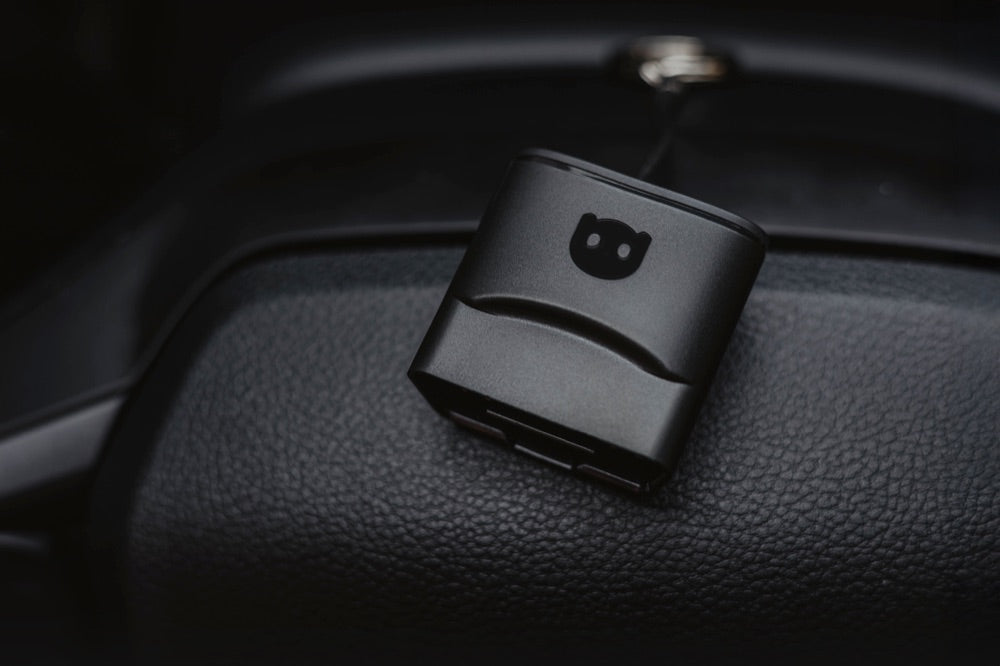
- Insert the scanner or Adapter into the port and turn on the ignition (engine does not need to be running).
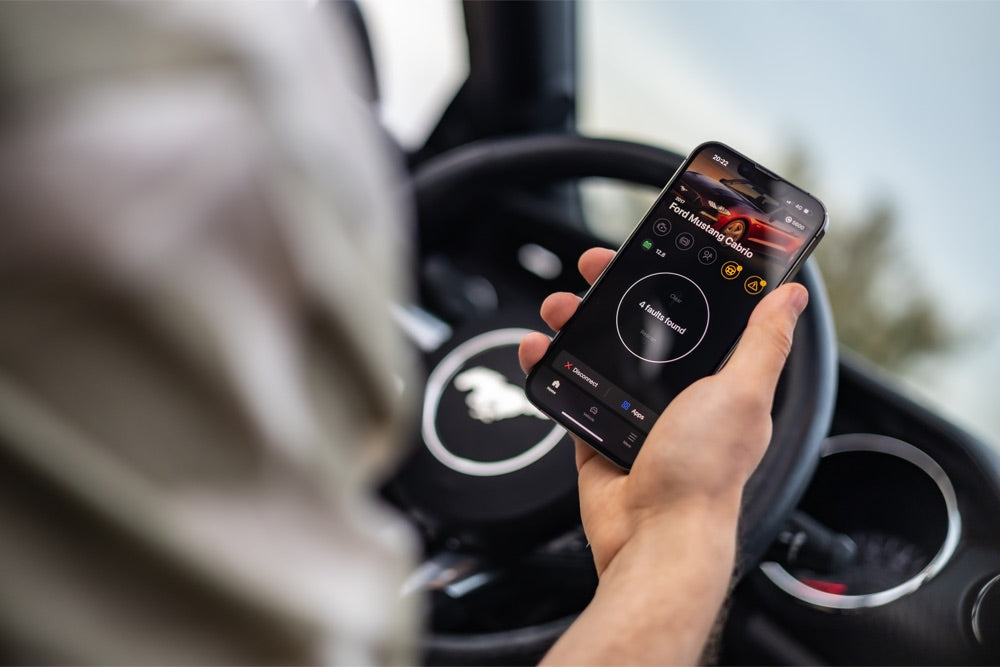
- Connect the scanner or app via Bluetooth or cable and start reading.
- Read the active and stored error codes. Write them all down.
- Look up each code or check the explanation in the app to find the likely cause.
Clearing error codes: when to do it and when not to
Clearing can be done with the same scanner, at the push of a button. But think carefully first. Clearing a code does not solve the problem; it only turns off the warning light. If the code returns, there is really something wrong.
When to clear. After a repair, or if the code was clearly a one-time event (for example, due to a loose gas cap that you tightened).
Don’t clear just like that. If you want to sell or have the car inspected. A freshly cleared computer stands out because the readiness monitors will show as not ready.
Investigate first. For codes about brakes, airbags, or engine management. It’s better to have these checked before clearing.
Which scanner do you need?
You don’t need expensive equipment to read and clear fault codes. These three suit every level:
 View the Topdon CarPal →
  View the OBDeleven 3 →
  View the Launch CRP919X →
The Topdon CarPal (around €40) reads and clears fault codes via your phone. The OBDeleven 3 (around €77) does that plus all modules and coding. The Launch CRP919X (around €440) is a full handheld device with live data and active tests.
Frequently Asked Questions
Does the light go off when I clear the fault code?
Yes, the warning light goes off as soon as you clear the code. But if the underlying cause isn’t fixed, the code (and light) usually comes back.
Is clearing fault codes harmful?
No, clearing codes itself is not harmful. The risk is ignoring a real problem. So only clear codes after you know what they mean.
Do I need to know about cars?
No. Most scanners and apps translate the code into plain language. You just need to note the code and look it up or discuss it with a mechanic.
Does it work on every car?
On almost every petrol car from 2001 and diesel from 2004, because they are required to have an OBD2 port under the dashboard.
In short
Reading fault codes is easier than you think: connect the scanner, read the code, look up the cause. You can clear the codes, but only do so once you know what’s going on. An affordable scanner pays for itself. Check out the options in our diagnostic equipment collection or read how to diagnose a used car yourself before buying.