

Have you ever bought a used car and drove home thrilled? Then two weeks later a warning light suddenly came on? You know that sick feeling in your stomach. The car seemed perfect: nicely cleaned, great ad, friendly seller. Yet there was a hidden problem you didn’t see during the viewing.
The good news: you could have seen that coming. With a simple OBD2 scanner, you can scan a car yourself in a few minutes. You see which fault codes are stored in memory. You see if something was recently cleared. And you avoid paying thousands of euros for someone else’s problem.
Why you always want to scan a used car
A test drive and a look under the hood reveal little about the electronics. Modern cars have dozens of control modules. They store faults, even if the warning light isn’t on. A seller can turn off a warning light. The stored history is much harder for them to erase.
Do the math. A new transmission can easily cost several thousand euros. A broken diesel particulate filter or a failing turbo the same. A scanner costing just a few tens that prevents such a bad purchase pays for itself immediately.
What an OBD2 scanner shows you
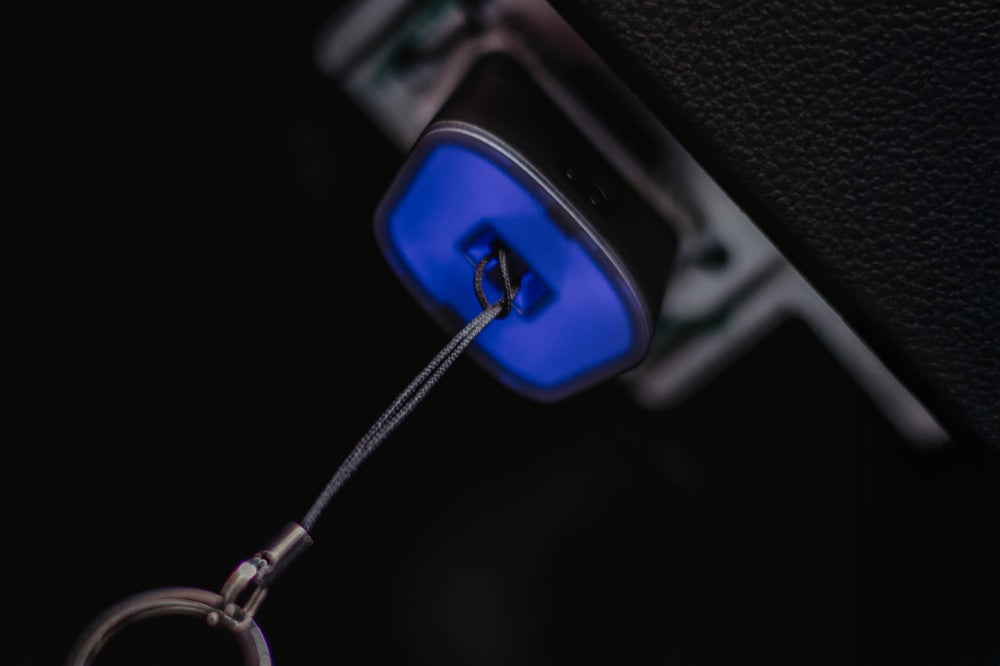
A scanner communicates with the onboard computer via the OBD2 port. This is found in almost every car from 2001 (gasoline) or 2004 (diesel) onwards, located under the dashboard. Here’s what you get from it:
Active fault codes. Faults currently present. Think engine, ABS, airbag, or exhaust system. Each code points to a specific component.
Stored (pending) codes. Faults that occur intermittently. Often the first sign of a lurking problem.
Readiness monitors. These are the car’s self-tests. If they all show “not ready,” the fault history was recently cleared. An important warning sign.
Live data. Coolant temperature, RPM, lambda values. This lets you see if the engine is running smoothly while idling.
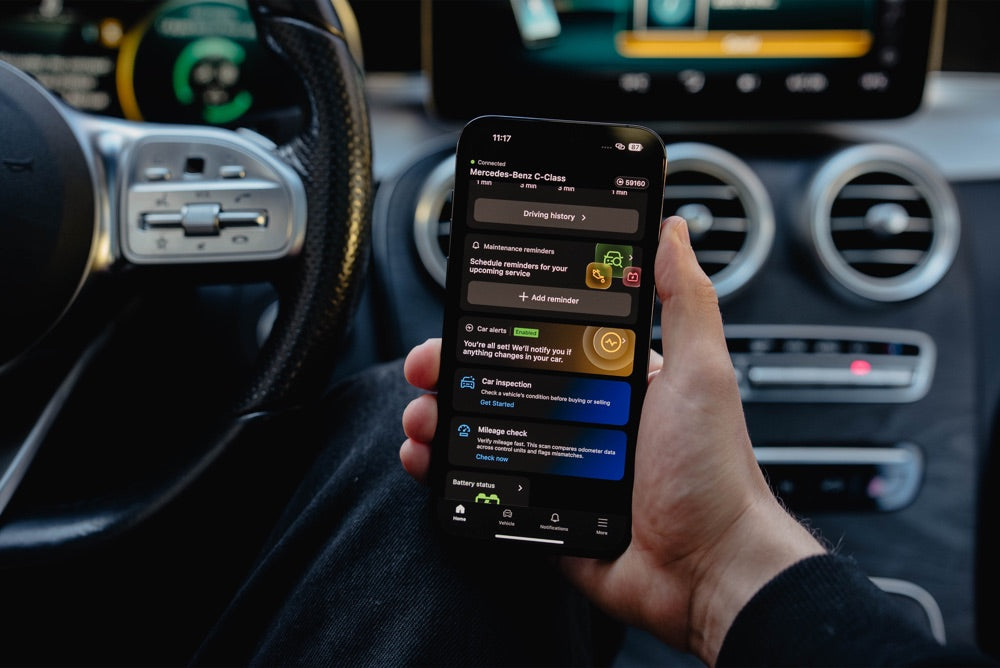
The cleared-codes trick: buyers fall for this
A clever seller clears all fault codes just before the viewing. The dashboard then looks spotless. Yet the car gives itself away. After clearing, the readiness monitors switch to “not ready.” They only turn green again after driving tens of kilometers in varying conditions.
Do you see a clean dashboard but monitors that are not yet ready? Then something was cleared recently. Ask the seller why. Their answer often says enough.
Step-by-step plan for the viewing
- Ask the seller to leave the car cold. A cold start reveals more.
- Find the OBD2 port (under the steering wheel or near the fuse box) and connect the scanner.
- Turn the ignition on without starting. Read the active and stored fault codes.
- Check the readiness monitors. Many monitors showing “not ready” = recently cleared.
- Start the engine and check the live data: temperature rises smoothly, RPM stable.
- Note every code. Look it up later or discuss it with your mechanic.
Also watch out for these signals
Mileage is incorrect. Some scanners and apps read the mileage from multiple modules. Differences indicate rollback.
The same code keeps coming back. A code that returns immediately after clearing indicates a real defect.
Many modules with faults. One loose error is normal. Faults throughout the entire car are not.
What a scanner DOES NOT see
Be honest with yourself: an OBD2 scanner is not a miracle cure. It reads the electronics, not the mechanics. Rust under the car, play in the suspension, a worn clutch, or damage history cannot be seen with it. Always combine reading with a good visual check and, if in doubt, an inspection.
Which scanner do you need?
Good news: you don’t need an expensive professional scanner to check a car. For a purchase check, you mainly want to read and clear error codes, see the readiness monitors, and view some live data. An affordable app scanner costing just a few tens of euros is more than enough for this. The Topdon CarPal is the cheapest; if you also want to see ABS, airbag, and other systems, choose the Autel AP200; and for a Volkswagen, Audi, Skoda, SEAT, or Cupra, the OBDeleven 3 is ideal. These three are a great starting point:
 View the Topdon CarPal →
  View the Autel AP200 →
  View the OBDeleven 3 →
All three cost a fraction of what a single hidden repair would cost. You’ll earn back such a scanner with your first purchase check. Feel free to compare the entire diagnostic equipment collection.
Frequently Asked Questions
Does an OBD2 scanner work on every used car?
On almost every petrol car from 2001 and diesel from 2004, because they are required to have an OBD2 port. Very old or exotic models may differ. The port is usually within reach under the dashboard.
Can I see if the seller has erased the error codes?
Not directly, but indirectly. After clearing, the readiness monitors show “not ready” until the car has been driven enough. A clean memory with not-ready monitors is a strong sign that something was just erased.
Does a diagnostic check replace an inspection?
No. Reading the data checks the electronics and error history. Mechanical wear, rust, and damage cannot be seen this way. For an expensive car, an independent inspection is still advisable, in addition to the diagnostic check.
Do I need to know about cars?
No. Most scanners and apps translate the codes into plain language. You only need to note the codes and look them up or discuss them with a mechanic. The readiness check is literally green or not ready.
In short
Buying a used car without a diagnostic check is a gamble. For just a few tens of euros, you can uncover the digital truth: error codes, erased history, and the real condition of the electronics. Read it yourself first and negotiate with the facts in hand.