

You get in at a friend’s place with a Mercedes and the screen lights up with an AMG logo. The ambient lighting glows warmly in the footwell. And when he signals, the light subtly dances along. “All done myself,” he says. With a small device: the OBDeleven. Many of those features are already in your own Mercedes. They’re just turned off from the factory. Good news: OBDeleven has recently fully supported Mercedes-Benz, so you can get started yourself. With a One-Click App, you activate a feature with one tap, and you can just as easily turn it off again.
Below are the ten most popular hidden features for Mercedes, each with an example. Note: availability depends on your model, year, and equipment.
The most popular hidden features for your Mercedes
1. Disable start-stop system
The ECO start-stop system turns off the engine at every stop and restarts it when you accelerate. Good for your fuel consumption, but often annoying in the city. Normally, you have to turn it off with the button every trip. With this One-Click App, you disable it completely at once. This way, you drive more smoothly without the engine constantly shutting off.

Why Mercedes drivers like this: smoother driving without the engine constantly shutting off.
2. Start-stop with memory
Don’t want to turn off start-stop completely but want to keep your own preference? This is the solution. This feature remembers the last setting you chose. If you turn it off, it stays off, even the next time you get in. No more hassle pressing the button every trip.

Why Mercedes drivers like this: never having to press the same button every trip again.
3. Custom startup logo on the screen
With this One-Click App, you change the startup logo of your multimedia system. Think of an AMG logo or another style that suits your Mercedes. Every time you get in and the screen turns on, you see your own welcome look. It’s a small detail, but it makes an immediate impression. And you set it up in just a few taps.

Why Mercedes drivers like this: a subtle but premium touch, and a nice moment when starting up.
4. Video while driving
By default, your Mercedes does not play video once the car is moving. With Video in Motion, you disable that restriction. This way, your passengers can watch a movie or clip even during a longer trip. Handy on vacation or with kids in the back. Note: as the driver, of course, keep your eyes on the road.
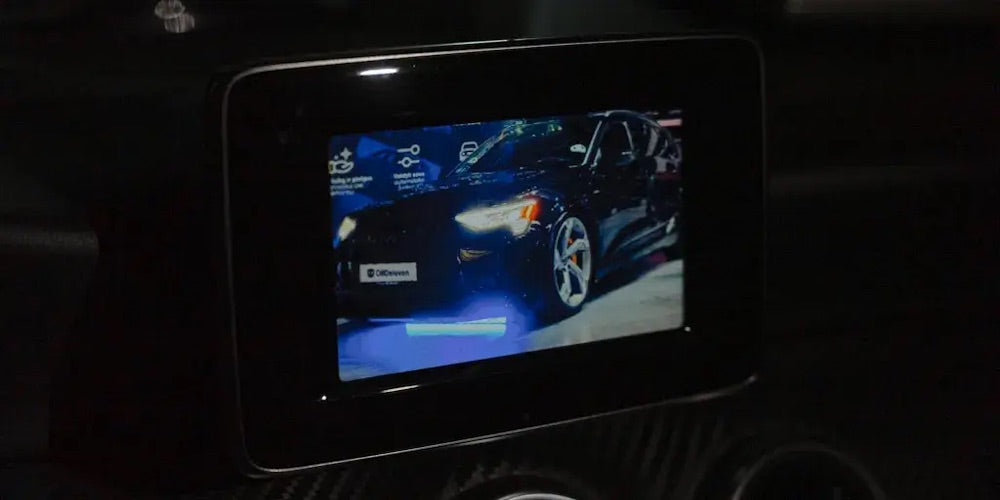
Why Mercedes drivers like this: keeping passengers entertained on longer trips.
5. Comfort turn signal setting
Do you think your turn signal blinks too briefly or too long after a tap? With this feature, you can set the number of times it flashes yourself. For example, five times with a short tap, ideal when changing lanes. This way, your signal is always clear to the traffic around you. Note: the comfort turn signal function must be enabled for this.
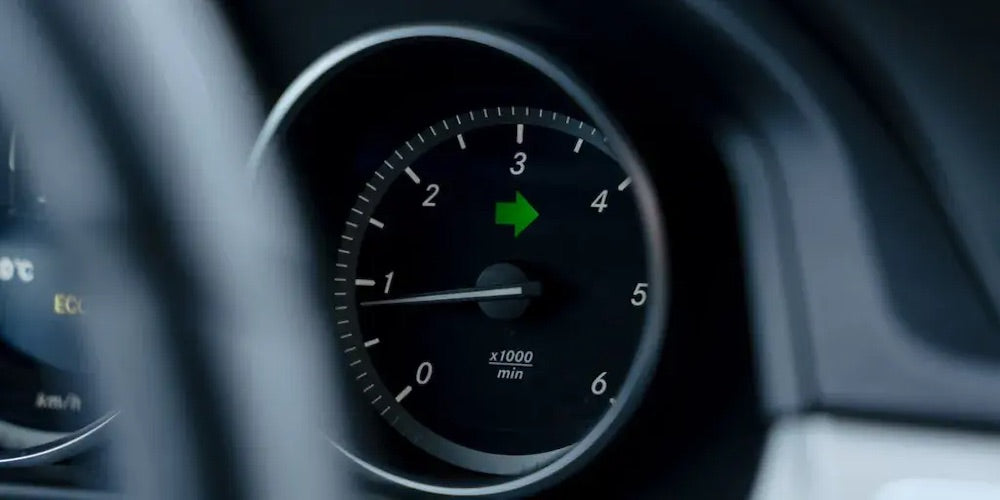
Why Mercedes drivers like this: clearer signaling, especially on the highway.
6. Scandinavian daytime running lights
With Scandinavian DRL, your daytime running lights and rear lights are on at the same time. This improves your visibility and gives your Mercedes a distinctive, sleek look. In some countries, this mode is even mandatory. Especially in gloomy weather, it makes you drive a bit safer. And you don’t need a switch for it; it’s just always on.

Why Mercedes drivers like this: better visibility and a cool, recognizable look.
7. Footwell lighting while driving
Does your Mercedes have footwell lighting? Then you can keep it on while driving with this One-Click App. It gives your interior a warm, premium atmosphere in the evening. The lighting becomes part of your ambient system, as long as your car is equipped with it. Small effect, big feeling of luxury. Especially on an evening drive.

Why Mercedes drivers like this: a more luxurious interior experience, especially in the dark.
8. Different theme for your display
With this feature, you give your multimedia screen a fresh, new style. You can switch the theme and on some models toggle between day and night display. This way, your dashboard adapts to the moment and your taste. No hardware needed, just a few taps in the app. A simple way to make your interior feel new again.

Why Mercedes drivers like this: refresh your interior without replacing anything.
9. DRL that moves with your turn signal
This feature changes how your daytime running lights respond when you signal. On the side where you blink, the DRL briefly turns off. This makes your turn signal more noticeable to the cars around you. It instantly gives your Mercedes a more modern, dynamic lighting effect. A subtle upgrade you’ll see in every turn.
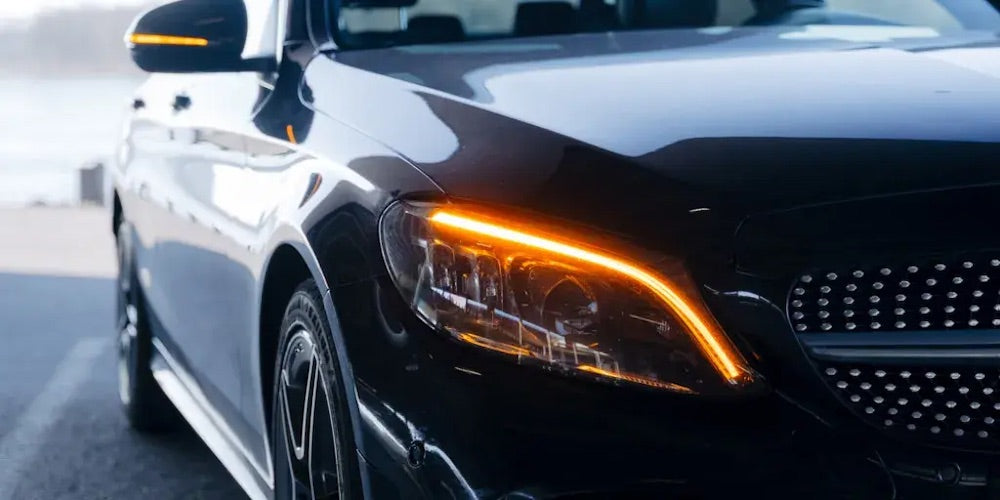
Why Mercedes drivers like this: a more modern light display and extra contrast when blinking.
10. Dynamic tachometer
Dynamic Tachometer Mode makes your tachometer much livelier. The needle reacts faster than the actual RPM, making it feel sportier. Especially if you enjoy a direct, tense driving experience. It’s purely for the feel behind the wheel. But enthusiasts love to turn it on.
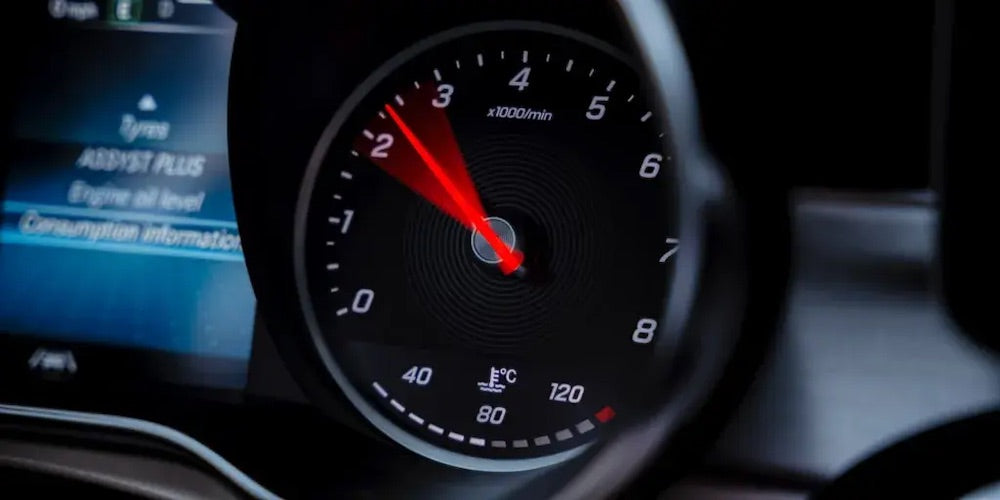
Why Mercedes drivers like this: a sportier, more direct feel behind the wheel.
How do you enable a One-Click App?
- Plug the OBDeleven adapter into the OBD2 port, open the app, and log in.
- Connect to your Mercedes and open the One-Click Apps overview.
- Choose the feature, tap the options, then tap apply.
You use One-Click Apps with Credits, or unlimited with the ULTIMATE subscription. This way, you can enable a hidden feature within minutes, without a garage and without expensive dealer equipment.
Does this work on your Mercedes?
OBDeleven supports most modern Mercedes models. Which features you have depends on your model, year, and equipment; some of the newest models are not yet supported. Unsure about your Mercedes? Read our detailed guide: OBDeleven: which cars, what it can do, and which subscription?
Want to see exactly what’s possible for your model and year? Check the full list on the official OBDeleven customizations page for Mercedes-Benz.
Frequently Asked Questions
Does OBDeleven work on my Mercedes?
That depends on your model, year, and equipment. On the official OBDeleven customizations page for Mercedes, you can see exactly which features are available for your car.
Do I need coding knowledge?
No. Most functions are enabled with a One-Click App: one tap and done. Only if you want to go really deep do you code manually yourself.
Can I undo a function?
Yes. You can revert any change back to factory settings with the same button. Your car is not at risk.
Which subscription do I need?
Reading fault codes and live data is free. For One-Click Apps, you use Credits or the unlimited ULTIMATE subscription.
Want to get started yourself?
With an OBDeleven, you can enable these features within minutes. View the OBDeleven packages →