

You’re in your car and actually want to adjust a few things yourself. The lights that come on when you open the car. The mirrors that fold in when locking. Or that annoying start-stop system that should be off by default. And when the engine light comes on, you just want to know what’s going on yourself. Driving to the dealer for every little thing is a waste of your time and money. With OBDeleven, you do it yourself, directly from your phone. We’ll calmly explain what you can do with it, which cars it works on, and which package suits you.
What is OBDeleven?
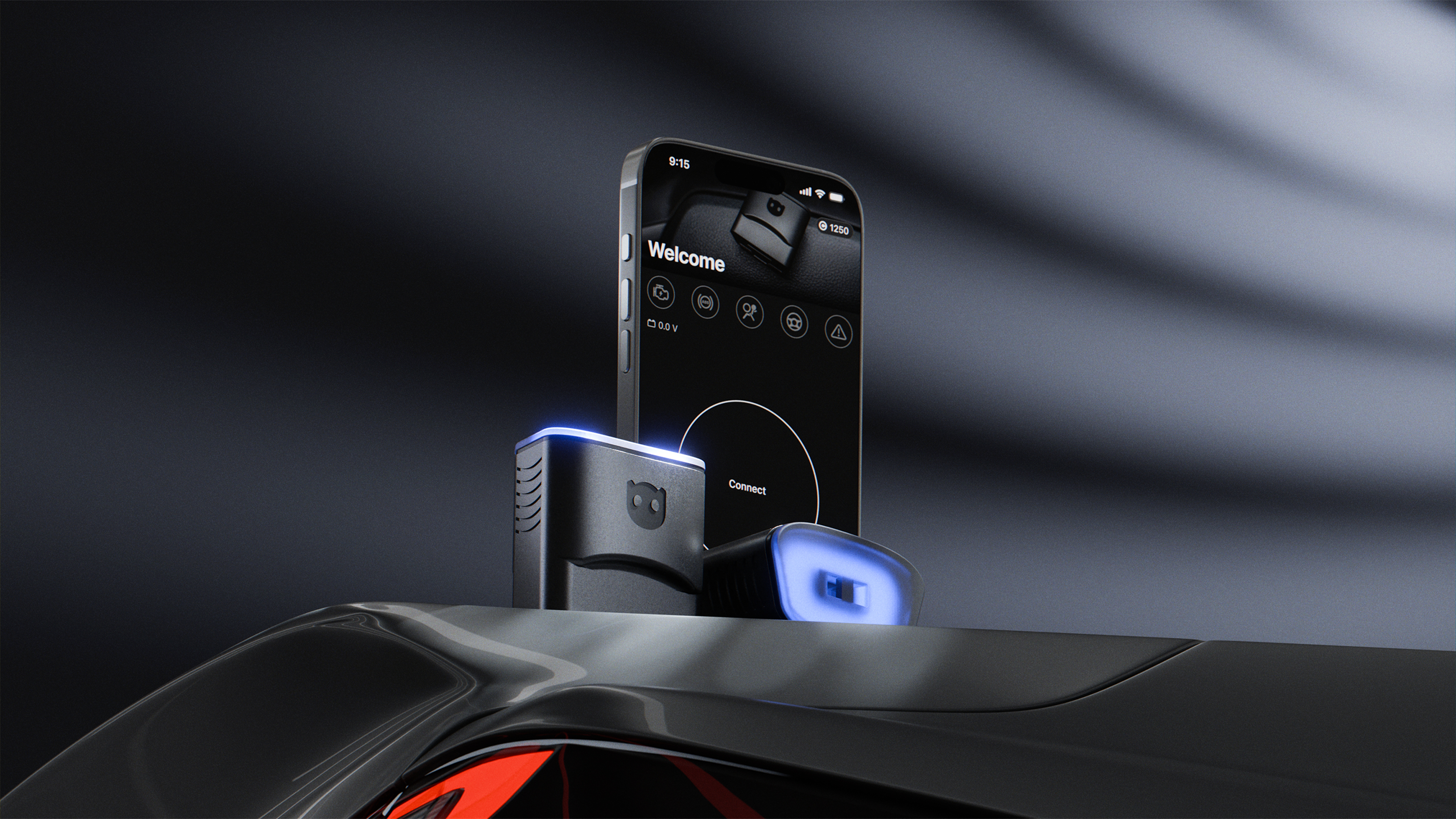
OBDeleven is a small Adapter that you plug into your car’s OBD2 port. You connect it to a free app on your phone (iOS and Android). Via Bluetooth, you read fault codes, view live data, and adjust settings. You don’t need a laptop or expensive workshop computer. The latest model is the OBDeleven 3.
Do you drive a Volkswagen, Audi, Škoda, SEAT, or Cupra? Then OBDeleven is an affordable alternative to VCDS (also known as VAG-COM). You can not only read fault codes but also code your car yourself. This makes it a popular choice for those who want to tinker themselves.
Enable hidden features
For many people, this is the main reason to buy OBDeleven: enabling hidden features your car already has but are disabled from the factory. You do this with One-Click Apps.
What is a One-Click App? Exactly what the name says: a ready-made adjustment in the OBDeleven app that you can turn on or off with one tap, without needing to code or have technical knowledge. OBDeleven has thousands, neatly organized by brand and model, and you can just as easily undo any change. A few popular examples:
Comfort & appearance · coming-home and leaving-home lights, mirrors that fold in when locking, a digital speedometer, or a nice needle sweep of the gauges at startup.
Handy on the go · a lap timer for the track, displaying extra menus, or adjusting the daytime running lights.
How do you disable functions or notifications?
It also works the other way around. Many people specifically look for how to disable or remove something. Think of the start-stop system that is off by default at every start, the seatbelt warning tone, or a notification you no longer want to see. You can also manage that with a One-Click App or, for those who want to go deeper, with manual coding. This way, you make your car exactly how you want it and can just as easily revert the changes.
Note: which functions are available depends on your brand, model, year of manufacture, and country. The Volkswagen group offers the most options, but other brands are also increasingly supported.
What else can you do with OBDeleven?
Besides turning functions on and off, you use OBDeleven for diagnosis: reading and clearing fault codes and viewing live data (such as temperature, RPM, and sensor values). That is free in the app. And for the Volkswagen group, you go a step further with manual long coding and adaptations, which lets you dive deeper into control modules and even unlock SFD-protected functions on newer models (2020 and later).
For which cars does OBDeleven work?
OBDeleven now supports many brands, but how deep you can go varies. Roughly three levels:
New in 2026: Mercedes-Benz now fully supported. OBDeleven has added Mercedes-Benz as a full brand: diagnosis, One-Click Apps, and coding, just like the Volkswagen group. Many OBDeleven guides don’t mention this yet.
Full (diagnosis + One-Click Apps + coding) · the Volkswagen group (Volkswagen, Audi, Škoda, SEAT and Cupra, Bentley and Lamborghini) and, new since 2026, also Mercedes-Benz.
Diagnosis + One-Click Apps · BMW and MINI, Rolls-Royce, Toyota and Lexus, plus Ford (only on the OBDeleven 3 and on models built in the US).
Diagnosis · many other brands: read fault codes and live data (functions vary by brand and model).
Click below to open all supported brands, with a link to the official OBDeleven page where you can see the exact models per brand:
View all 30 supported brands
| Brand | Support | Models |
| Volkswagen | Coding + Apps | View → |
| Audi | Coding + Apps | View → |
| Škoda | Coding + Apps | View → |
| SEAT / Cupra | Coding + Apps | View → |
| Bentley | Coding + Apps | View → |
| Lamborghini | Coding + Apps | View → |
| Mercedes-Benz | Coding + Apps | View → |
| BMW | One-Click Apps | View → |
| MINI | One-Click Apps | View → |
| Rolls-Royce | One-Click Apps | View → |
| Toyota | One-Click Apps | View → |
| Lexus | One-Click Apps | View → |
| Ford | One-Click Apps | View → |
| Mazda | Diagnosis | View → |
| Hyundai | Diagnosis | View → |
| Nissan | Diagnosis | View → |
| Kia | Diagnosis | View → |
| Renault | Diagnosis | View → |
| Honda | Diagnosis | View → |
| Peugeot | Diagnosis | View → |
| Subaru | Diagnosis | View → |
| Volvo | Diagnosis | View → |
| Fiat | Diagnosis | View → |
| Mitsubishi | Diagnosis | View → |
| Opel | Diagnosis | View → |
| Citroën | Diagnosis | View → |
| Jeep | Diagnosis | View → |
| Suzuki | Diagnosis | View → |
| Land Rover | Diagnosis | View → |
| Jaguar | Diagnosis | View → |
You can find the full overview on the OBDeleven supported vehicles page. Unsure about your model and year? Then use the online compatibility check. Note: older cars with the K-line protocol (from before about 2008, like a VW Golf 4) are not supported.
FREE, PRO, or ULTIMATE: which subscription do you need?
The app works with three levels. You often buy the device together with a subscription in a package:
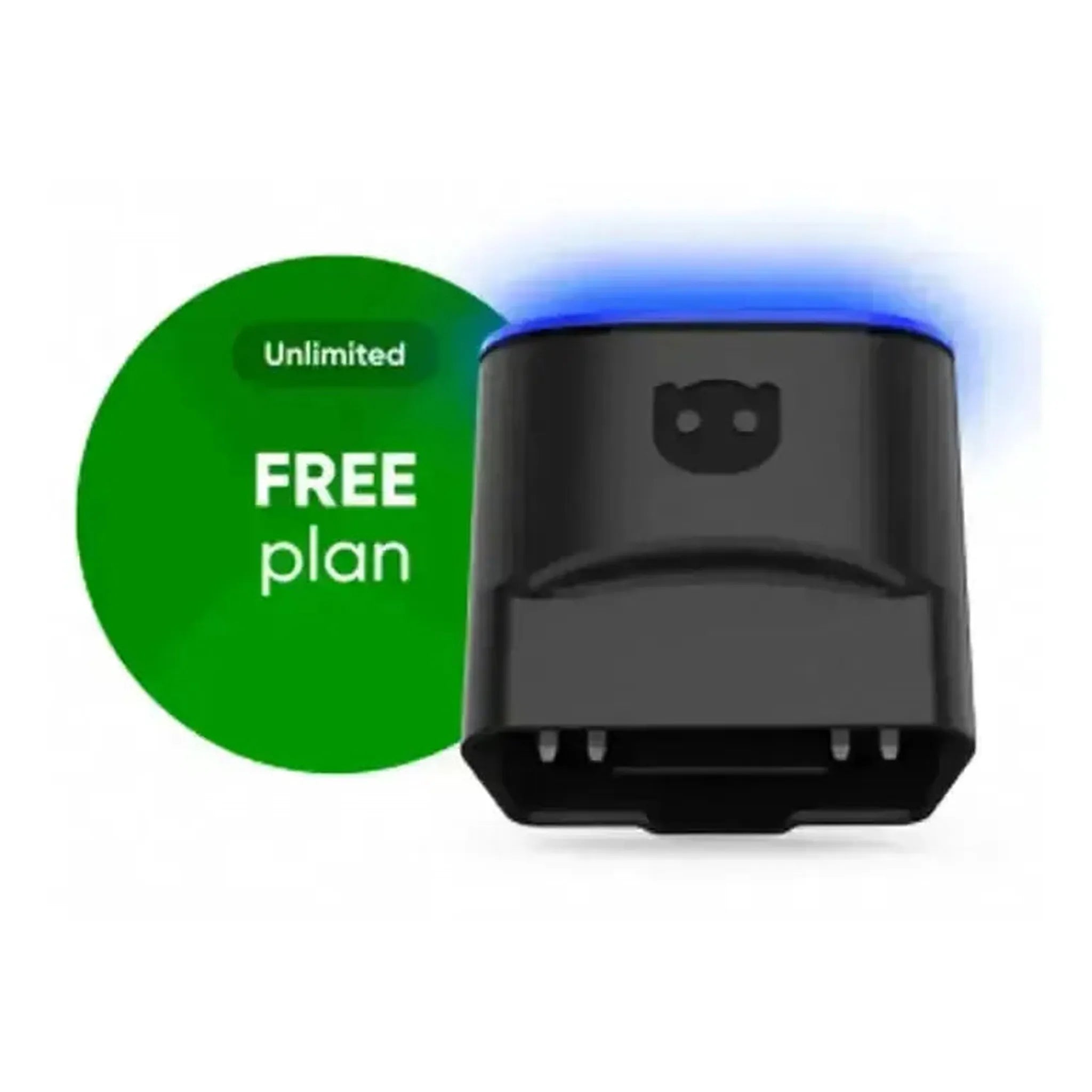
FREE · diagnosis and live data: read and clear fault codes. Ideal to first see what’s going on.
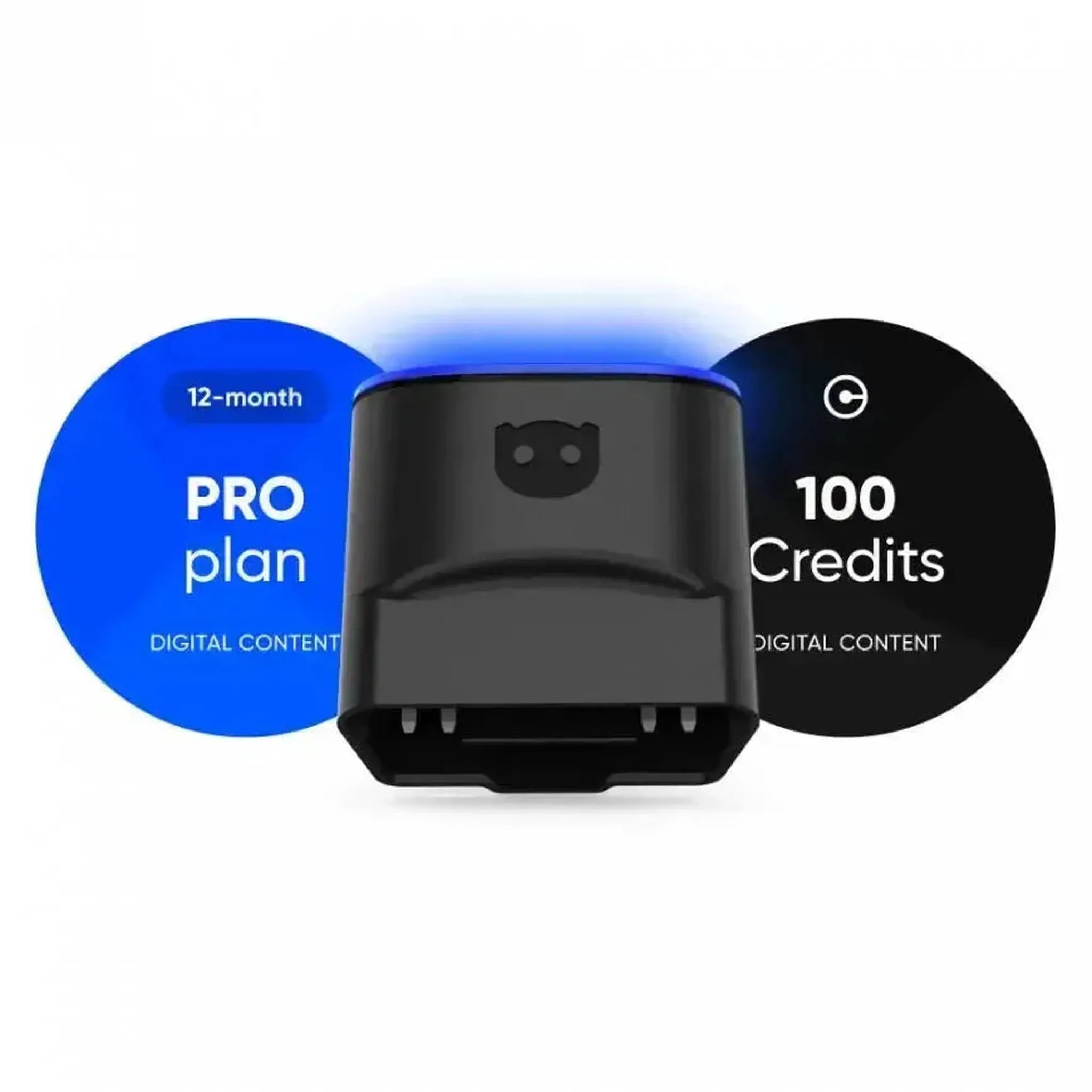
PRO · everything from FREE plus manual VAG coding, adaptations, SFD unlock (2020 and later), and output tests. You use One-Click Apps with credits.
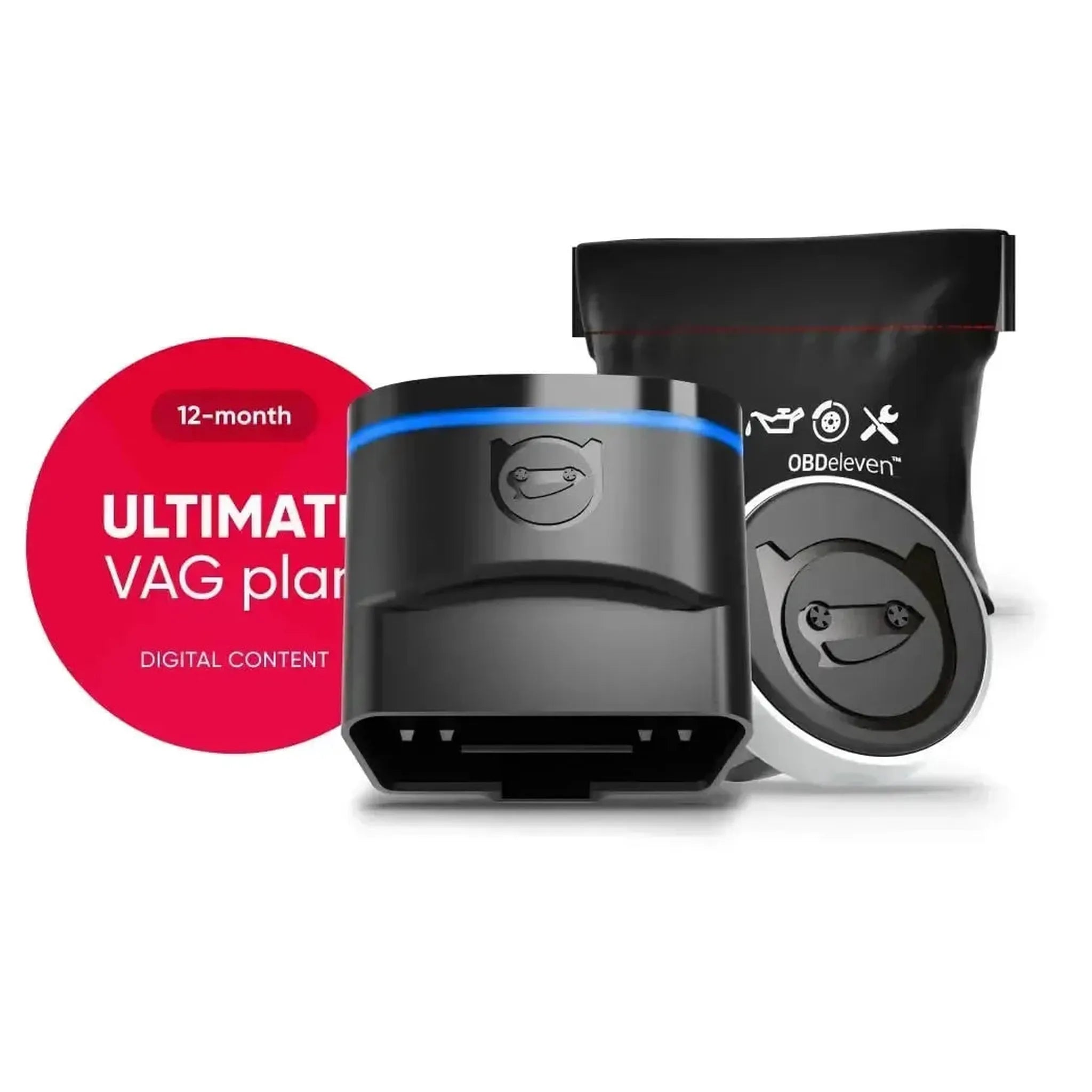
ULTIMATE · everything from PRO plus unlimited One-Click Apps for all licensed brands. The only difference with PRO is those One-Click Apps.
Rule of thumb: if you mainly want to enable and disable hidden features, ULTIMATE is the way to go (unlimited). If you prefer manual coding, PRO is more than enough.
Which OBDeleven package do you choose?
For most people, the choice is between these three:
 OBDeleven 3 →
  OBDeleven 3 PRO Pack →
  OBDeleven 3 ULTIMATE Pack →
Who is OBDeleven (not) for?
OBDeleven is ideal for those who want to read fault codes themselves, enable hidden features, and disable minor annoyances without going to the dealer. It’s strongest on the Volkswagen group, but BMW, Toyota, and many other drivers also get a lot out of it. If you drive an older model from before 2008, or need a professional device for key programming and heavy diagnostics, another type of reader suits you better.
Frequently Asked Questions
Is OBDeleven a good alternative to VCDS / VAG-COM?
Yes. For those driving a Volkswagen, Audi, Škoda, SEAT, or Cupra, OBDeleven is an affordable alternative to VCDS (VAG-COM). You can code your car, enable hidden features, and read fault codes, all through the app on your phone. For manual coding, you need a PRO or ULTIMATE subscription.
What is a One-Click App?
A ready-made adjustment in the OBDeleven app that you can turn on or off with one tap, no coding knowledge required. Think of coming-home lights, folding mirrors, or disabling start-stop by default. You can always revert it.
Can I enable hidden features?
Yes. With One-Click Apps, you can turn functions on or off with one tap, no coding knowledge needed, such as coming-home lights, folding mirrors, or a digital speedometer. Availability depends on brand, model, and year.
How do I disable the start-stop system or a notification?
Many of these things, like disabling start-stop by default or a seatbelt warning tone, can be managed with a One-Click App or by manual coding. You can easily revert it back as well.
Does OBDeleven work on my car?
OBDeleven supports many brands (see the table above), with the deepest functions on the Volkswagen group. On CAN bus cars from 2008 onwards, you can at least read fault codes. Check your model via OBDeleven’s online compatibility check.
Do I need a paid subscription?
Not for diagnosis and live data, that is included in the free version. For coding, adaptations, and One-Click Apps, you need a PRO or ULTIMATE subscription.
Does OBDeleven work on a Golf 4 or Passat B5?
No, those models use the older K-line protocol and are not supported. OBDeleven works on newer cars with CAN bus, roughly from 2008 onwards.
Ready to get started yourself?
Determine which brand and model year you have and how far you want to go, then choose the corresponding package. View all OBDeleven packages →