

A warning appears in your Mercedes, and at the dealer you quickly pay an hourly rate just to have it checked. A waste, because nowadays you can easily read your Mercedes yourself. Good news too: OBDeleven recently fully supports Mercedes, so not only reading error codes but also coding.
Which device you need depends on what you want: just read out, adjust functions yourself, or full diagnosis. Below the best choice per situation.
What do you want to do with your Mercedes?
Read and clear error codes. Know why a warning light is on and clear the message. An affordable scanner is enough, no technical knowledge needed.
Code hidden functions. Think of start-stop default off, ambient lighting, the startup logo, or video while driving. Via the OBDeleven app.
Full diagnosis. Read all systems, reset service, and test components. For this, choose a professional handheld device.
The easiest choice: the OBDeleven 3
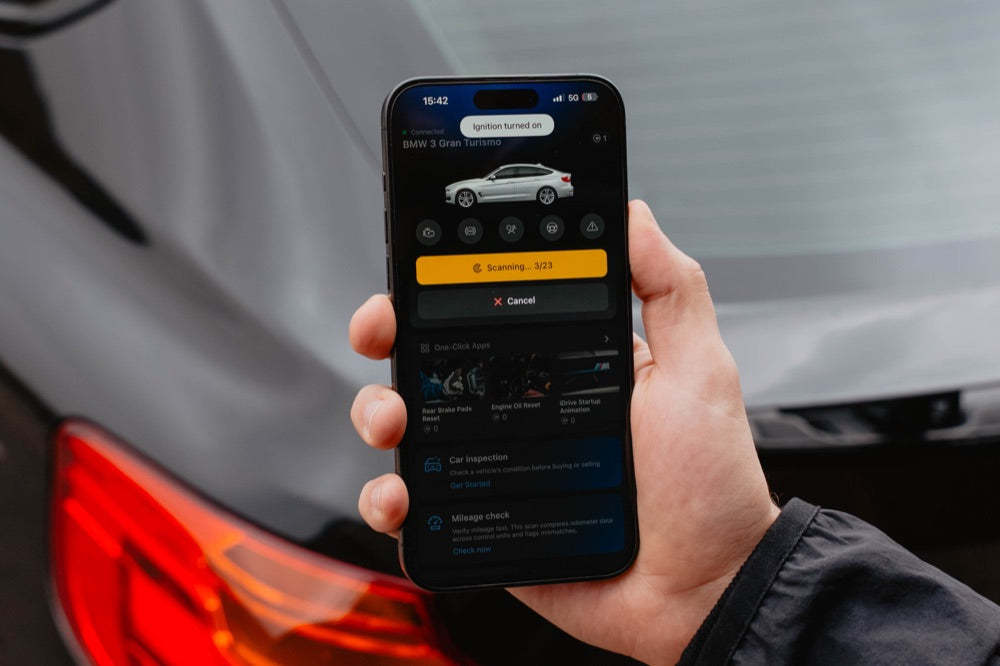
For most Mercedes drivers, the OBDeleven 3 is the smartest choice. Mercedes has recently been fully added, so you can read all modules and code hidden functions, just via your phone. No laptop needed.
You plug the device into the OBD2 port, connect via Bluetooth, and immediately see the error codes with explanations. With the One-Click Apps, you can safely turn functions on or off. We are one of the few places that already mention this for Mercedes, as full support is new.
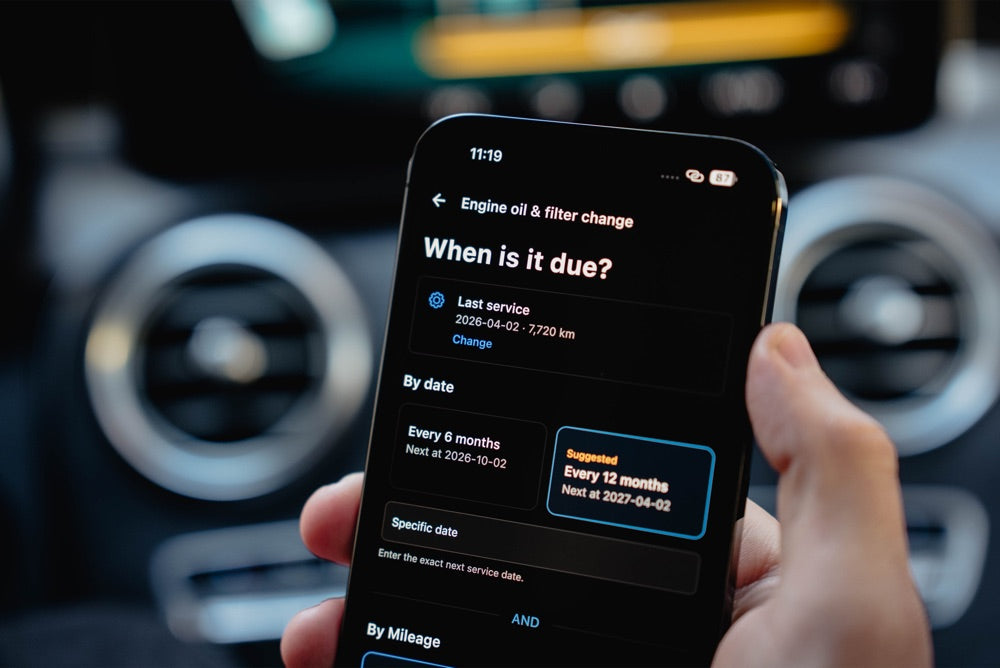
What can you read and code on your Mercedes?
A good scanner does more than just show an error code. Popular things Mercedes drivers do themselves:
Error codes and service reset. Read all systems and reset the maintenance interval yourself after a service.
Start-stop default off. Remember the off position of the start-stop system after each start.
Ambient lighting and startup logo. Adjust the ambient lighting or set a different startup logo on the screen.
Video while driving. Unlock video playback on the central screen, even while driving.
Comfort turn signal. Set the number of blinks with a short tap of the turn signal.
Our top 3 for your Mercedes
You don’t need an expensive scanner. These three together cover almost every need, from simple reading to full diagnostics:
 View the Topdon CarPal →
  View the OBDeleven 3 →
  View the Launch CRP919X →
The Topdon CarPal (around €40) is the cheapest, for reading and clearing fault codes only. The OBDeleven 3 (around €77) is the best all-rounder for reading and coding. The Launch CRP919X (around €440) is for those who want full workshop diagnostics without a laptop.
Frequently Asked Questions
Does OBDeleven work on my Mercedes?
Yes. Mercedes has recently been fully added: you can read all modules and code hidden functions via the app. Exactly what’s possible depends on model and year; you see it directly in the app.
Can I code my Mercedes myself?
Yes. With OBDeleven’s One-Click Apps, you can safely enable or disable functions like start-stop, ambient lighting, or the startup logo. Work with a full battery and follow the steps. You can always revert a change.
Which Mercedes models does it work on?
On many modern Mercedes models from around 2010 onwards. Available functions and One-Click Apps vary by model and year; the app immediately shows what’s possible for your car.
Do I need an expensive scanner?
No. For reading and coding, OBDeleven or a cheap fault code reader is enough. An expensive handheld device is mainly interesting if you maintain many different brands.
In short
For most Mercedes drivers, the OBDeleven 3 is the smartest choice: now fully supported, so you can read and code via your phone. If you only want to read fault codes, a cheap CarPal is sufficient; if you’re serious about tinkering, you’ll want a handheld device like the Launch CRP919X. See everything in our diagnostic tools collection or read about the hidden features you can activate on your Mercedes with OBDeleven.