

You drive an Audi with Virtual Cockpit and wonder: can I customize that display myself? Or fold in the mirrors, or tame that start-stop system? You can, and you don’t need an expensive dealer visit for it. With OBDeleven, you connect your Audi to your phone and code hidden features yourself. Many of these features are already in your car; they’re just turned off from the factory. Below you’ll read about what you can enable and how it works.
OBDeleven: the affordable alternative to VCDS
For Audi drivers, OBDeleven is mainly known as the affordable alternative to VCDS (also known as VAG-COM). While VCDS requires a laptop and an expensive license, you can do it with OBDeleven right from your phone. You can read fault codes, view live data, and adjust settings via coding and adaptations. On the Volkswagen group, and thus also on Audi, this goes deeper than with any other brand.

Which hidden features can you enable on your Audi?
A selection of the most popular adjustments. Note: availability depends on your model, year, and equipment.
Virtual Cockpit displays · unlock extra layouts or a sportier display in your digital instrument panel.
Needle sweep at startup · the gauge needles sweep fully once when you turn on the ignition.
Coming home and leaving home lighting · your headlights stay on for a while after you exit, and lights turn on as you approach the car.
Fold mirrors when locking · the exterior mirrors fold in automatically when you lock the car. Handy in tight spaces.
Set comfort flashing · choose how many times your turn signal flashes after a quick tap, for example five times.
Remember start-stop setting · have your Audi remember your last choice so the system doesn’t activate every trip.
Open windows with the key · open or close all windows at once with the remote, ideal for airing out.
Show traffic sign recognition · if you have a front camera, display recognized speed signs on your screen.
Adjust seatbelt signal · customize the warning tone to your preference (but keep it active for your safety and inspections).
Unlock SFD protection · on newer models (2020 and later), PRO or ULTIMATE gives you access to protected functions.
One-Click App or manual coding?
Some adjustments you enable with a ready-made One-Click App: one tap, no knowledge needed. Others you do via manual coding (long coding) and adaptations, diving deeper into the control modules. On Audi, you can do both. And everything is reversible: you can easily revert any change back to factory settings.
How does it work?
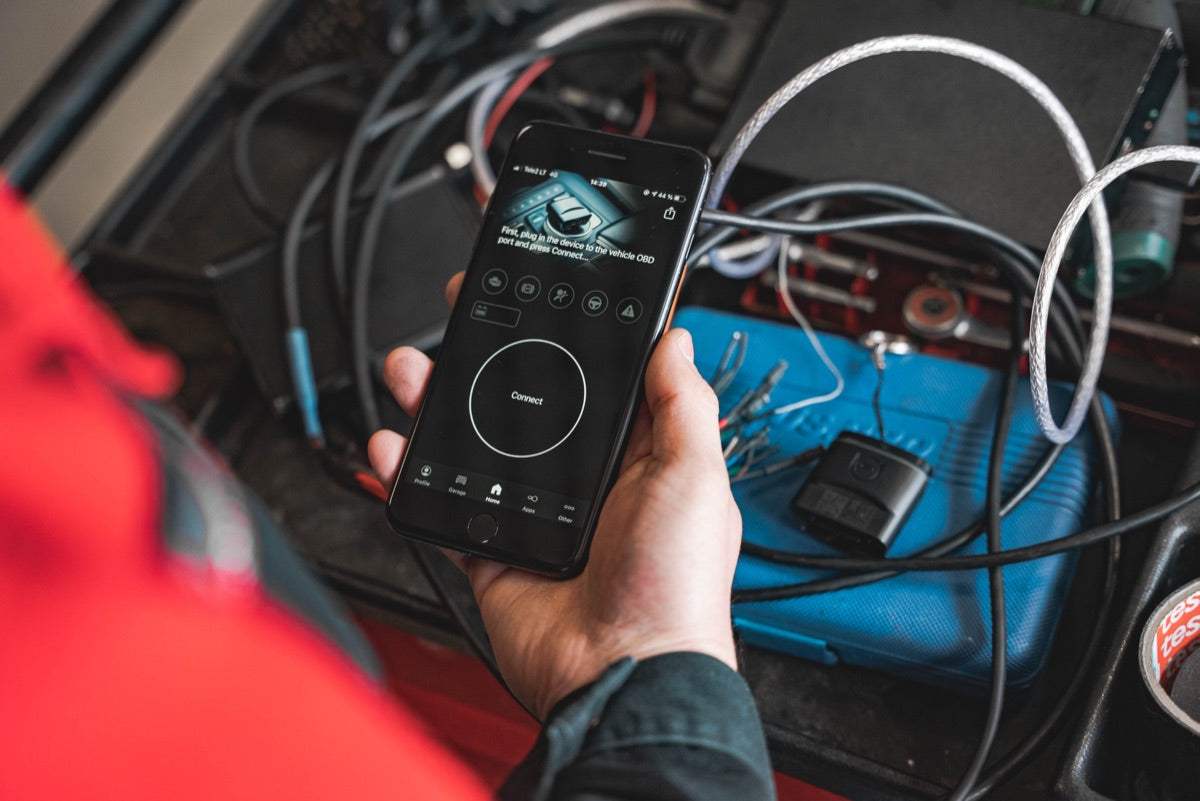
- Plug the OBDeleven adapter into your Audi’s OBD2 port, open the app, and log in.
- Connect via Bluetooth and select the control module or One-Click App you want.
- Adjust the setting, confirm, and you’re done. Reverting is done the same way.
Does this work on your Audi?
OBDeleven works on almost every Audi with CAN bus, roughly from 2008 onward. How deep you can go depends on your model, year, and equipment. Want to see exactly what’s possible for your model and year? Check the official OBDeleven customizations page for Audi. Still unsure? Read our detailed guide: OBDeleven: which cars, what can it do, and which subscription?
Frequently Asked Questions
Does OBDeleven work on my Audi?
That depends on your model, year, and equipment. On the official OBDeleven customizations page for Audi, you can see exactly which features are available for your car.
Is OBDeleven a good alternative to VCDS / VAG-COM?
Yes. For Audi drivers, it’s an affordable alternative: you code, read fault codes, and enable hidden features, all via the app. For manual coding, you need a PRO or ULTIMATE subscription.
Do I need coding knowledge?
Not for One-Click Apps: one tap and done. For manual coding, it helps if you know what you’re doing, but there are many guides and you can always revert changes.
Can I undo a change?
Yes. Every adjustment can be reverted to factory settings. Your car is not at risk.
Which subscription do I need?
Reading fault codes and live data is free. For coding, adaptations, and One-Click Apps, you need a PRO or ULTIMATE subscription.
Ready to get started?
With OBDeleven, you make your Audi exactly the car you want. View the OBDeleven packages →